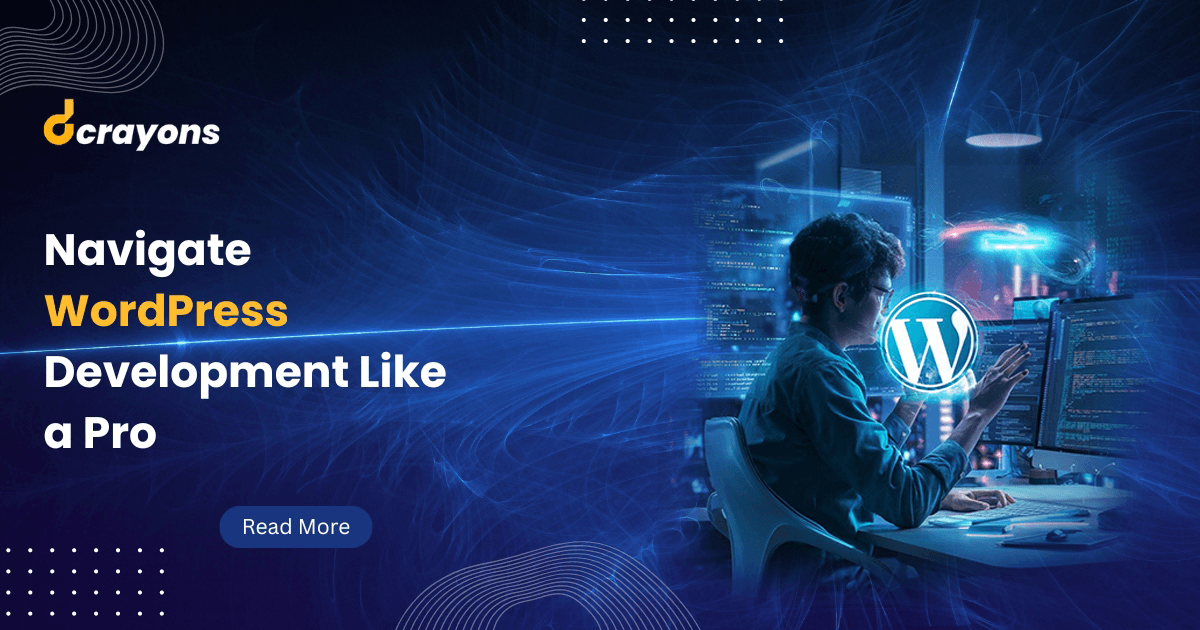
Struggling to navigate the world of WordPress development? Mastering WordPress can feel complex, with countless plugins, themes, and coding possibilities. You may have run into security concerns, struggled with testing code, or felt overwhelmed by the sheer volume of resources available. Read this guide on WordPress development best practices to walk your WordPress journey with confidence. Let's get started.
What is WordPress Development?
WordPress development is the practice of building and managing websites with the WordPress platform. Known for its deep plugin ecosystem, vast customisation options, and user-friendly interface, WordPress is a powerful and versatile CMS. Developers use WordPress to create everything from straightforward blogs to intricate eCommerce systems.
Understanding fundamentals like themes, plugins, and widgets is necessary to grasp web development with WordPress. The theme determines a site's appearance, while plugins extend functionality with features such as SEO tools and contact forms. Widgets are small blocks that serve specialised purposes and sit in pre-defined regions of the site. Skilled WordPress developers blend technical know-how with creative design to ship effective, captivating sites. To master WordPress, ongoing learning and keeping current with best practices is essential, especially if you want to get hired by a WordPress development company.
Benefits of WordPress Development for Websites
WordPress development services offer many benefits, making it a popular choice among developers and businesses. Here are some key advantages.
Easy to Use
WordPress has an extremely user-friendly interface and is simple to use. You don't need to be an HTML, CSS, JavaScript, or PHP expert to launch a site. Pick from many templates to start, and use the CMS to add pages, graphics, menus, and other elements. Installing plugins for security, performance, and extra features is straightforward.
Plugins
Plugins are small programs that carry out particular functions and extend a site's capabilities. WordPress plugin development offers tools for visually appealing sites and feature-rich functionality. There are over 59,000 free plugins available. WordPress plugins for your business add features like galleries, shopping carts, contact forms, and more. Add an SEO plugin to lift search visibility. Plugins can be activated, deactivated, or uninstalled based on your site's needs.
Extensive Customisation
WordPress development companies offer extensive customisation, letting developers tailor sites to unique requirements. With a wide library of themes and plugins, WordPress theme developers alter designs, layouts, and capabilities to match branding and business demands. Whether you are creating a blog, an eCommerce platform, or a portfolio site, WordPress gives developers the tools to deliver custom solutions.
SEO Friendly
WordPress is naturally search engine friendly. Its clean code structure, friendly URLs, and customisable metadata make it easy for search engines to crawl and index content. SEO plugins like Yoast SEO lift on-page optimisation with tools, advice, and insights to improve content visibility. WordPress makes it easier to execute crucial SEO techniques, which is great for sites aiming for organic traffic.
Cost-Effective Development
WordPress is open source and free to use, reducing early development costs. Developers can add sophisticated features without writing lots of new code by using premium and free themes and plugins. Pre-built components and rich resources cut development time and effort significantly, saving money for individuals and companies. Regular community updates also add to long-term affordability.
Community Support
WordPress's strong community is one of its main advantages. A global network of developers, designers, and users actively contributes to the platform's growth. The community keeps WordPress dependable and secure. Forums, online communities, and official documentation help theme developers debug issues and stay current.
Responsive Design
WordPress emphasises responsive design, which is essential in the mobile era. With many responsive themes available, theme developers can quickly ship sites that look great on desktops, tablets, and smartphones. This caters to diverse users and aligns with search engine algorithms that prioritise mobile-friendly sites. Hiring WordPress developers can produce sites that deliver a consistent, visually appealing experience across all platforms.