Where each rupee goes
- Product cost
- Rs 90
- Commission (2%)
- Rs 5
- GST + TCS
- Rs 4
- Inwarding + returns
- Rs 9
- Your profit
- Rs 143
- Net payout / unitWhat Blinkit deposits
- Rs 233
- Effective take rateShare of price the fee stack keeps
- 6.9%
- Max ad spend / orderBreak-even ROAS 1.8
- Rs 143
Healthy: this SKU can absorb ads and promotions and stay profitable on Blinkit.
- Ads headroom: up to Rs 143/order on PLA; break-even ROAS 1.8 (judge it on selling price, not the MRP-based dashboard number).
Calculated in your browser. Nothing is sent or stored.
Price ladder: the commission cliffs
Blinkit's commission jumps at Rs 500, Rs 700, Rs 1200. Sometimes a lower price earns more per unit.
| Price | Commission | Profit/unit | Margin |
|---|---|---|---|
| Rs 225 | 2% | Rs 119 | 52.7% |
| Rs 238 | 2% | Rs 131 | 55.1% |
| Rs 250now | 2% | Rs 143 | 57.1% |
| Rs 263 | 2% | Rs 155 | 59.1% |
| Rs 275best | 2% | Rs 167 | 60.8% |
Fees & taxes (optional, pre-filled)
Blinkit publishes no numeric commission rate card: its Seller Hub calculates commission per SKU inside your dashboard from category, selling price, item dimensions and daily ageing (shown exclusive of ~18% GST). The price bands this tool uses (2/6/13/18%) are an illustrative estimate for modelling scenarios, not Blinkit's published rates -- enter your dashboard's actual commission for an exact figure. Statutory add-ons are official: 18% GST on fees and 0.5% TCS (CBIC, reduced from 1% in Jul 2024). The Rs 50 return fee applies only to seller-attributed returns. Confirm yours in the Blinkit Seller Hub. Rates last updated: 2026-07-04.
This tool covers the money side (commission, GST on fees, TCS, inwarding and returns). It does not model GST e-invoicing (IRN) — that is a compliance step, not a fee, so it will not lower your margin, but a missing or invalid IRN can hold up your payout. Keep your e-invoicing set up before you go live.
How to register and start selling on Blinkit
From seller account to your first live order
Blinkit onboarding is state-wise and document-heavy. Here is the full path, and where each cost enters, so nothing surprises you at settlement.
- Step 1: Create your seller account
Register on the Blinkit Seller Hub with your business PAN, GSTIN and bank details. Food and grocery sellers also need a valid FSSAI licence before any listing goes live.
- Step 2: Finish KYC and documents
Upload your GST certificate, PAN, cancelled cheque or bank proof, authorised signatory and brand authorisation. Blinkit verifies all of this before activating the account.
- Step 3: Get your catalogue approved
Submit each SKU with title, images, MRP, net weight, category and shelf life. Listings are reviewed for compliance and quality before they can be sold.
- Step 4: Register a place of business per city
Quick commerce is state-wise. Register an Additional Place of Business (APOB), often through a virtual office, for every state whose dark stores you plan to supply.
- Step 5: Send stock to the dark stores
Inward agreed quantities to Blinkit warehouses and dark stores. You pay a per-unit inwarding fee, after which stock is live for 10-minute delivery.
- Step 6: Set up e-invoicing (IRN)
Configure GST e-invoicing in the Blinkit Seller Hub so every invoice carries a valid IRN (Invoice Reference Number) and signed QR. E-invoicing is mandatory once your turnover crosses Rs 5 crore, and Blinkit verifies it before releasing settlements. Set up your IRN and E-Way Bill credentials before you go live, or payouts can be held.
- Step 7: Go live and price it right
Set your selling price and go live. Run each SKU through the calculator above first so you know it stays profitable after commission, GST, TCS and returns.

Get your free proposal
Tell us where you are and what you want to achieve. We reply within one business day with a clear plan and a quote.

GROW ON BLINKIT
How to become profitable and grow your sales on Blinkit
Six levers that decide whether quick commerce adds profit or quietly drains it.
Price for the full fee stack
Work backwards from net payout, not MRP. Commission, 18% GST on fees, 0.5% TCS, inwarding and returns can take 30 to 45% of your price, so set price and pack size to protect a real margin.
Win the digital shelf
Optimise titles, images and keywords so you surface for the searches that matter. On a 10-minute app, ranking and a clean listing decide the sale in seconds.
Advertise where it pays back
Use Product Listing Ads on your best-margin SKUs and judge them on true ROAS against selling price, not the dashboard's MRP-based number. Scale what clears break-even.
Manage inventory and shelf life
Match inward quantity to real sell-through. Overstocking short-shelf-life products means removal fees and write-offs; understocking means lost ranking and out-of-stock penalties.
Cut the margin leaks
Track returns, spoilage and low-selling SKUs every week. Delist what loses money, double down on what earns, and reinvest the saved margin into ads and packaging.
Read the data and compound
Use settlement and sales reports to find your profitable core, then expand pack sizes, cities and categories from there. Small measured steps beat launching everything at once.
Blinkit growth services we provide
How Dcrayons helps FMCG and D2C brands launch and scale profitably on quick commerce.
Blinkit onboarding and listing
Seller account, KYC, APOB across states, and catalogue setup done right so you go live faster without compliance rejections.

Pricing and margin strategy
We model every SKU's net payout after commission, GST, TCS and returns, then set price and pack size to protect real margin.

Quick-commerce ads management
Product Listing Ads run on true ROAS, scaled on your best-margin SKUs and cut where they do not clear break-even.
Listing and shelf optimisation
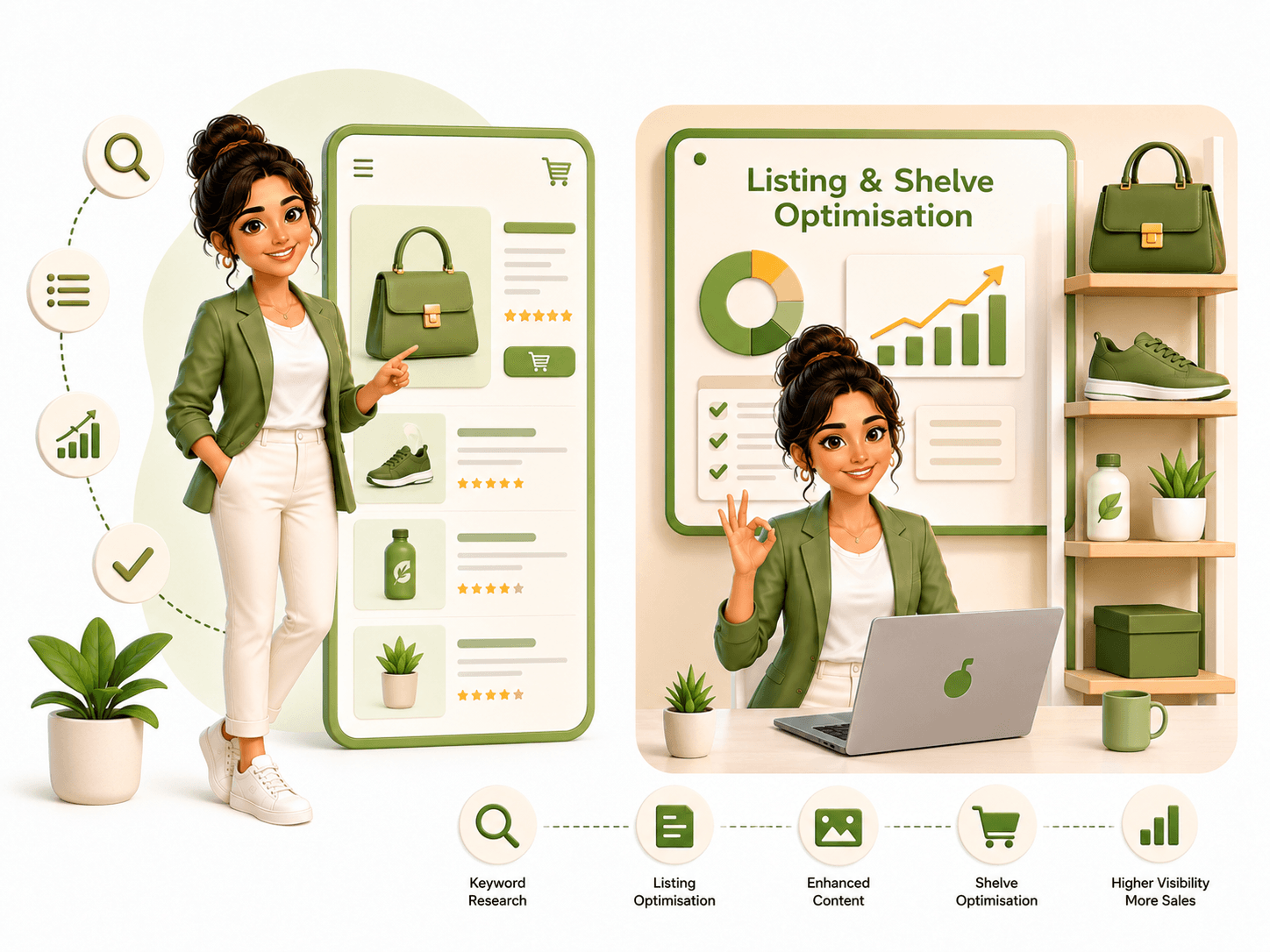
Titles, images and keywords tuned for the 10-minute shelf so you rank and convert where buyers decide in seconds.
D2C and e-commerce brands we have grown
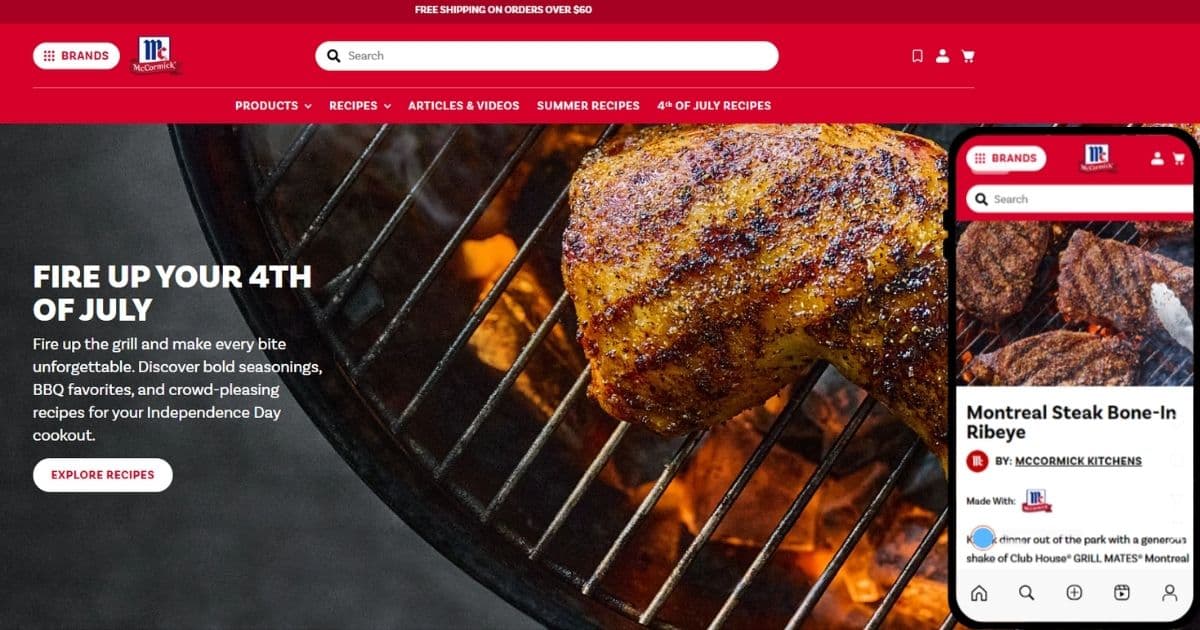
+143%
Speed Improvement
McCormick & Company
Within one sprint cycle, desktop Google PageSpeed Insights score rose from 35 to 85 — a 143% improvement. Mobile score moved from below 40 to 75. C...
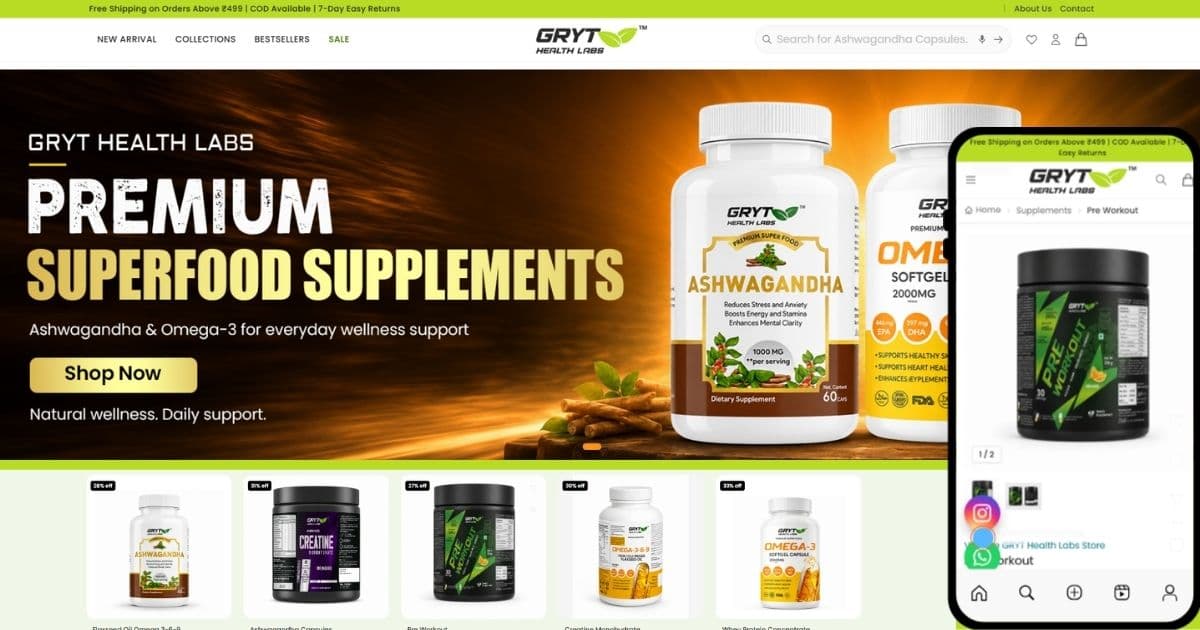
24h
Order dispatch
GRYT Health Labs
The launched site reads as a focused, conversion-first shop rather than a catalogue dump. Because it is a custom Laravel build, the cart, checkout...
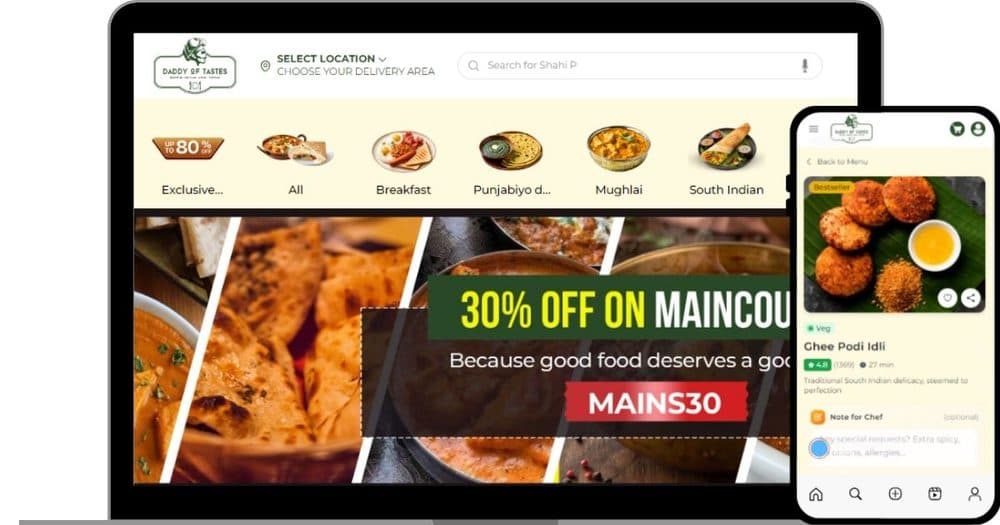
Daddy of Tastes
The launched storefront gives customers a quick path from category to dish detail to cart, with offers and ratings visible where they aid the decis...
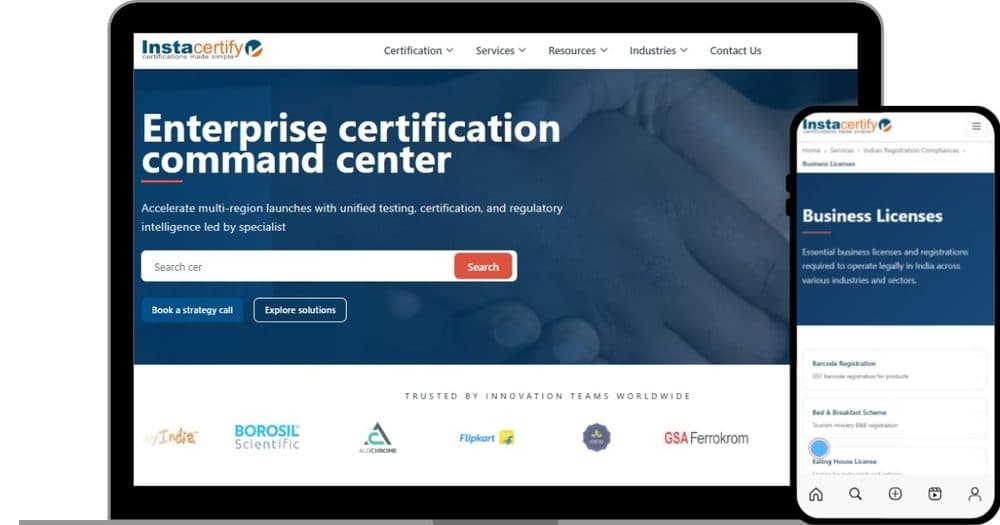
Instacertify
The site reads as a single command center for certification, with search and clear calls to action giving buyers an obvious first step. The card-dr...
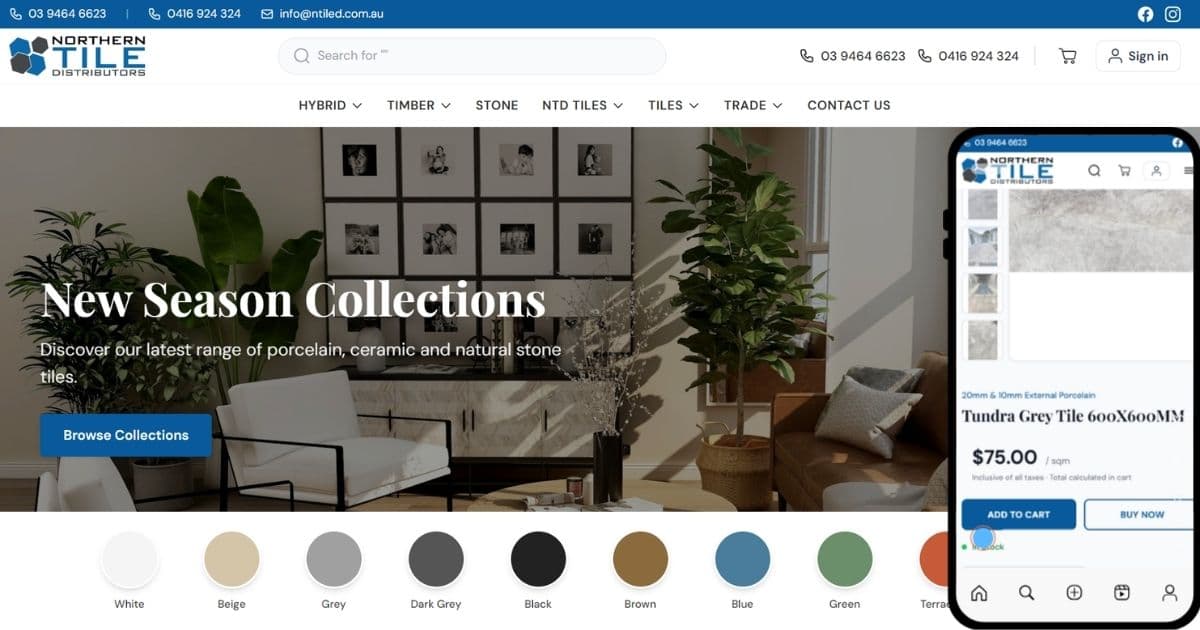
Northern Tile Distributors
The storefront gives Northern Tile Distributors a clean way to present deep tile and timber ranges so builders can scan collections quickly and che...
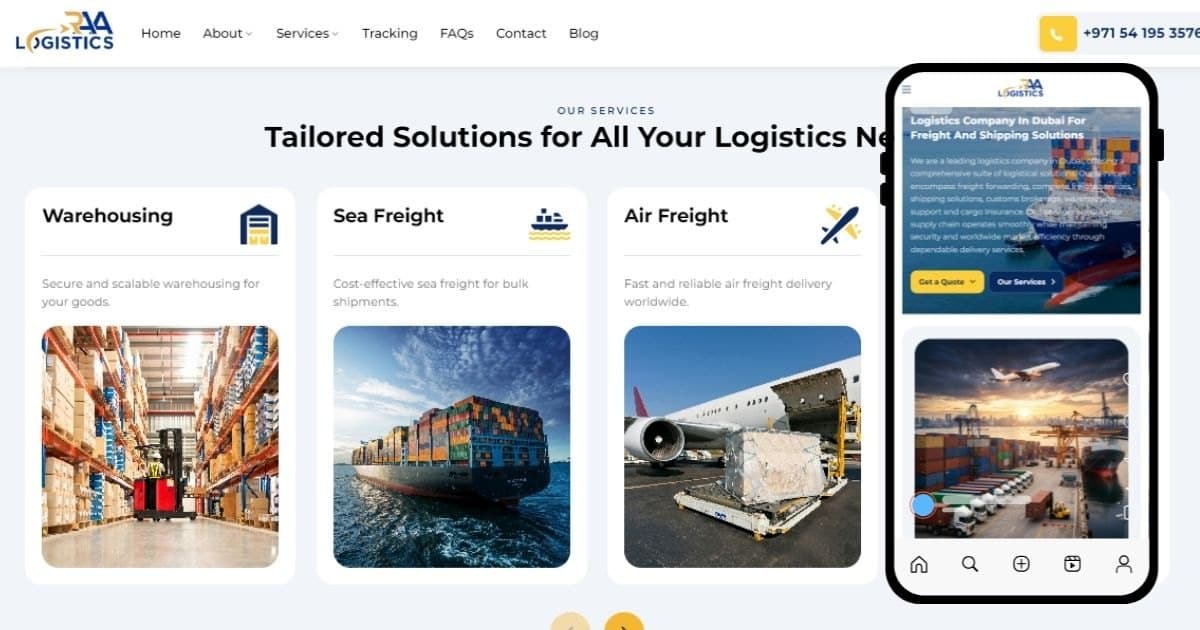
Raa Logistics
The launched site gives Raa Logistics a clean, professional presence that reads well on both desktop and phones, with the quote request and trackin...
Why Dcrayons

Quick-commerce specialists
We run Blinkit, Zepto and Instamart growth for real brands, so the fee model here matches what your settlements actually look like.

Senior strategist on every account
No junior analysts learning on your budget. The strategist who scopes your quick-commerce plan stays on it.

Margin diagnostic in one business day
Written readout plus a fixed estimate inside 24 hours. Most agencies take a week of discovery; that week is a competitor's head start.
CFO-readable numbers
Weekly cadence and a monthly readout tied to one revenue metric. A numbers report you can hand to your CFO without translation.

Quick commerce is a new shelf. We have been helping brands win it.
Dcrayons runs Blinkit, Zepto and Instamart growth for FMCG and D2C brands: onboarding, pricing, listings and ads under one weekly roadmap. This calculator uses the same unit-economics model our team runs on real client SKUs.
Blinkit seller questions, answered
The real fee and growth questions FMCG and D2C sellers ask before listing on Blinkit. No jargon, no fluff.
Blinkit does not publish a public commission rate card. Its Seller Hub calculates commission per SKU inside your dashboard from the product category, selling price, item dimensions and daily ageing, and shows it exclusive of about 18% GST. Any specific percentages or price bands quoted online, including in this calculator, are illustrative estimates rather than Blinkit's official rates, so the tool keeps every value editable. On top of commission you also pay 18% GST on Blinkit's fees, 0.5% TCS on the sale value, and per-unit fees for inwarding and seller-attributed returns (Rs 50 per item). Always confirm your exact numbers in the Blinkit Seller Hub.
Your net payout is the selling price minus commission, 18% GST on that commission, 0.5% TCS, inwarding, and any return-handling cost. The calculator above shows each deduction as a slice of your selling price, then subtracts your product cost to give profit per unit and net margin.
That figure usually refers to the Product Listing Ads (PLA) deposit many sellers put down, roughly Rs 25,000 per SKU per state, returned as advertising credit with a limited validity window. It is a launch-cash consideration, not a per-order fee, so it is not part of this per-unit calculator.
Yes. GST at 18% applies on Blinkit's commission and service fees, and 0.5% TCS is collected on your taxable sale value, which you can adjust against your GST liability. Both are included in the calculation above so your net payout is realistic rather than pre-tax.
Usually yes. IRN stands for Invoice Reference Number, the code the GST portal issues for each e-invoice. GST law makes e-invoicing mandatory once your annual turnover crosses Rs 5 crore, and Blinkit asks sellers to set up e-invoice-capable billing in the Seller Hub so it can verify every invoice. IRN is not a fee and does not change your commission, GST, TCS or net payout per unit, so it is not part of this calculator. What it does affect is settlement: if a valid IRN is missing, Blinkit can hold your payout. Set up your e-invoicing before you go live.
No. Every calculation runs in your browser. Nothing you type is sent to Dcrayons, Blinkit, or any server, and nothing is stored. You can use it on live pricing without any privacy concern.
Want quick commerce to actually make money?
If a SKU comes out thin or negative, our team can audit your pricing, platform mix and ad spend to find the leak.